
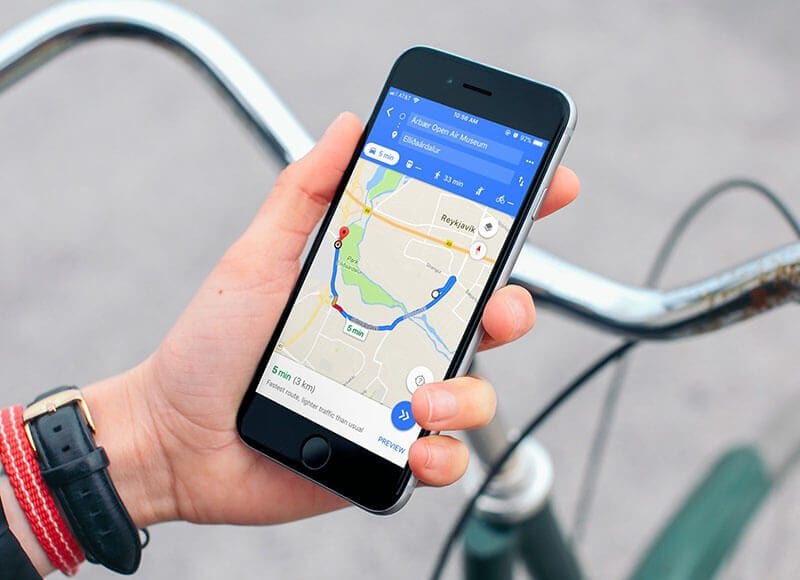
In today’s world, smartphones make life easier, but they can also expose your location without you knowing. Many apps, websites, and even people can track where you go. It is therefore important to know how to check and stop unwanted tracking.
If you are using an Android phone, go to Settings > Location > App Permissions. Here, you will see a list of all apps that have access to your location. Turn off location access for any app that you do not trust or use often. You can also go to Google Maps > Your Timeline to see if your movements are being recorded. If you see routes or places you have never visited, disable location history.
For iPhone users, open Settings > Privacy & Security > Location Services. You will find all the apps that can track your location. Switch off the ones you don’t need. Also, scroll down to System Services and check if Significant Locations is on. Turn it off to stop your iPhone from storing places you visit frequently.
Another important step is to check for unknown or suspicious apps. Go through your installed apps and remove anything unfamiliar. Use an antivirus app to scan your phone for hidden tracking software.
Lastly, check your Google or Apple ID accounts for devices connected to your account. If you notice a phone or gadget that is not yours, remove it immediately and change your password.
By following these steps, you can take back control of your privacy. Remember, being aware of your phone’s settings helps protect you from anyone trying to track your location without your consent. Stay alert and always review your privacy settings regularly.